
SIMPLE • CONVENIENT • TRACKABLE
Easy Payments
Pay Solved Mobile Shop through CIBC 1stPay from the shop or wherever you are. Send your proof of payment for our team to verify.
STEP 01
Pay with CIBC 1stPay
How to pay
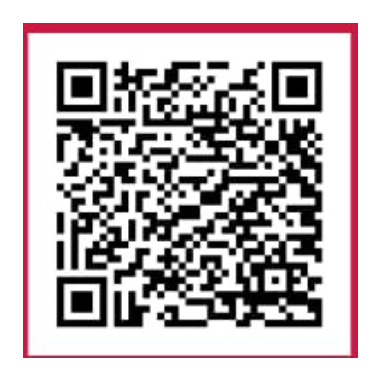
At the shop: scan this QR code with a compatible payment app and complete the transaction.
Paying remotely: select Open CIBC 1stPay above. The link opens the destination encoded in the QR code. Follow CIBC's instructions to complete payment.
After paying, fill out the confirmation form and upload your proof of payment.
Checking payment confirmation availability…
Payment safety: Check the merchant name and amount in CIBC before confirming. Never share your bank password, card PIN or one-time code. A screenshot alone does not prove funds arrived.
STEPS 02 & 03
Confirm your 1stPay payment
Confirmation submitted!
We received your payment proof. Save this reference and use it to check your status.
PAYMENT TRACKING
Check payment status
Already sent payment proof? Enter your confirmation code and phone number to check its status.
YOUR FEEDBACK MATTERS
How was your visit?
Support Solved Mobile Shop with a Google Maps visit or review.
G Open on Google Maps ↗